
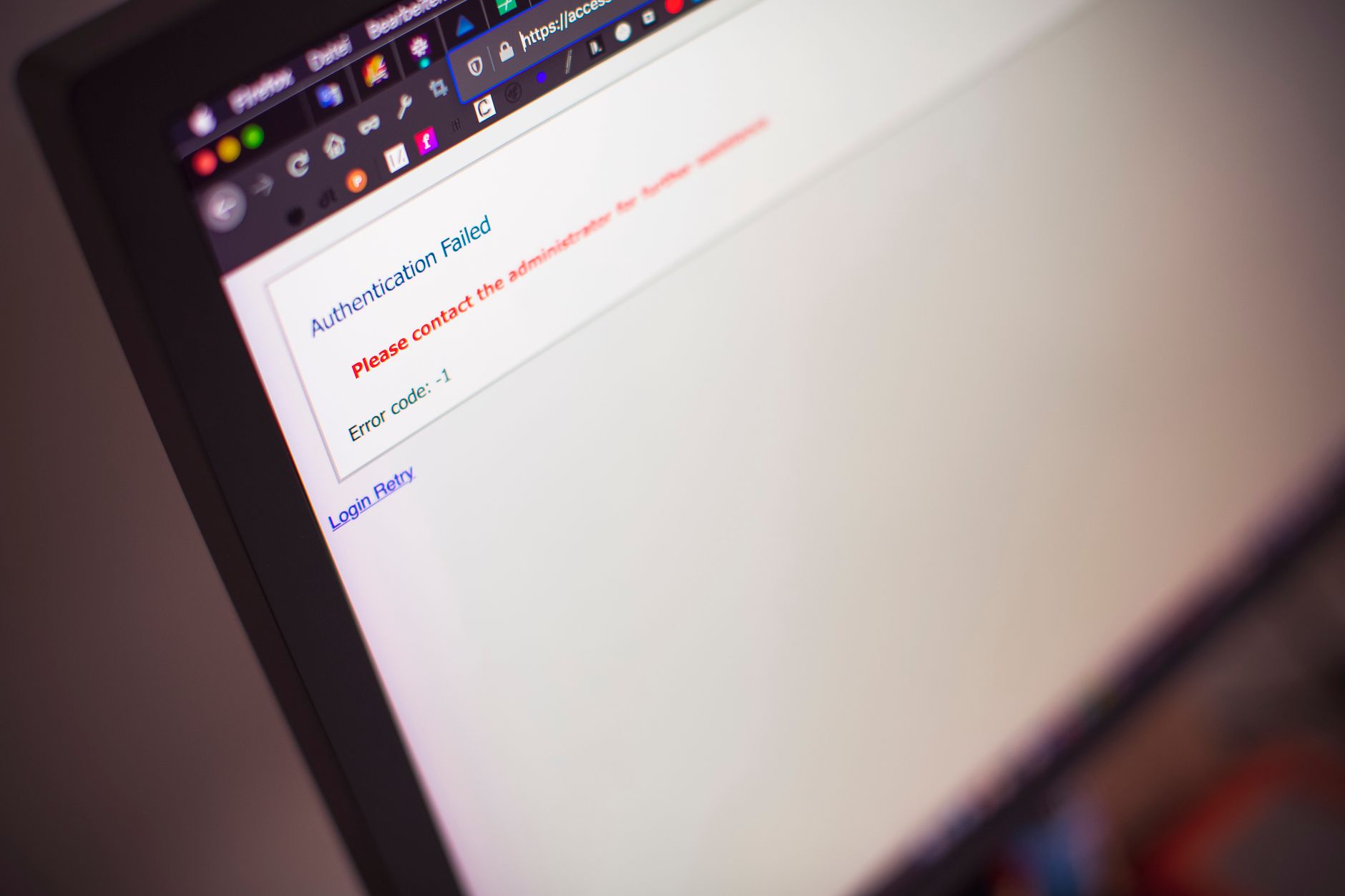
A client’s office editor asked us whether the staging site needed its own WordPress password. It does not: staging is a copy of the live site, so the login is the same. The password staging does add is the popup in front of it. That one exists because of us, and we still put it on every staging site we run.
It is a fair question, and the answer is not “security” in general. The popup is the one protection on a staging site that does not live inside WordPress, and almost every reason we keep it follows from that.
What the Popup Is
The popup is HTTP authentication. The browser asks for a username and password, and the web server checks them before WordPress loads. Without the right credentials, the server answers with a 401 and PHP never starts.
That makes it different from everything else people use to hide a staging site. A maintenance-mode plugin, a “coming soon” page, a membership plugin and the “Discourage search engines” checkbox all run inside WordPress. The popup runs in front of it.
Noindex Is a Request
The usual way to keep a staging site out of Google is the “Discourage search engines from indexing this site” checkbox, which adds a noindex tag, sometimes with a robots.txt rule on top. Both are requests. Well-behaved crawlers honour them, and nothing else has to.
They can also cancel each other out. A robots.txt rule stops Google from crawling a page, so Google never sees the noindex tag on it. If someone links to the staging URL, Google can still index the address from the link. Search Console even has a status for it: “Indexed, though blocked by robots.txt”.
Google’s John Mueller has recommended authentication for staging servers, and Google’s own documentation lists password protection as the way to keep private pages out of search. A crawler that gets a 401 has nothing to index.
Nothing to Copy to Live
The checkbox is stored in the WordPress database, and robots.txt is a file in the site. Both can travel to the live site with the next staging-to-live push. When that happens, the live site starts asking Google to drop it, and nobody notices until traffic falls.
The popup is server configuration on the staging host only. It is not in the database and not in the site’s files, so there is nothing to carry across. Pushing staging to live cannot take the popup with it.
It Cannot Break the Site
Because the popup sits outside WordPress, there is no plugin to update, no PHP to conflict with, and nothing for a caching plugin, page builder or login plugin to interfere with. It survives WordPress core updates and plugin conflicts, and it keeps working on a staging site whose WordPress is broken, which is often why the staging site exists.
Staging Holds More Than It Looks Like
The pages on a staging site are a copy of the public site, so it is tempting to treat staging as public too. The database is a different matter. It is a copy of everything: user accounts, WooCommerce orders and customers, form submissions, membership records. None of that is public on the live site.
Behind the popup, bots never reach WordPress at all:
- wp-login.php cannot be brute-forced, because the login page is never served.
- Outdated plugins cannot be exploited. Staging sites are where old plugin versions linger, because nobody updates a copy.
- Forms get no spam, and test submissions do not fill the inbox.
- Unreleased content stays private until it is meant to go live.
This matters more than it should because staging sites get forgotten. One we host was still running 21 months after it was set up, until we asked whether anyone still needed it. A forgotten staging site with an open login page and a copy of the customer database is exactly the kind of thing that gets found by someone else first.
One Password per Reseller
For agencies that resell our hosting, there is one popup password for all of that agency’s staging sites. It is scoped per reseller and never shared between resellers. The agency gives it to whoever needs it, and nobody has to keep a list of a different password per site.
The Tradeoffs
We accept a few limits with this, and they are worth stating:
- It is only reasonable over HTTPS. Basic authentication sends the credentials with every request, so on plain HTTP they travel readable. All our staging sites run on HTTPS.
- It is shared by design. One credential per reseller means many people know it. Staging holds little that is secret on its own, and the parts that matter, the WordPress admin and the data behind it, are protected separately by the WordPress login.
- It blocks callbacks. Payment gateway webhooks, remote management tools and uptime checkers cannot reach the site until they are given the credential. That is mostly what we want: a staging site should not receive real payment callbacks.
It is also not a security model on its own. It keeps search engines and bots out. It does not replace updates, backups or a sensible WordPress login.
What It Costs People
The real cost is the one the editor felt: a second password for people who were happy with one. For that editor we removed the popup, and said why: we had to balance the risk of the main site being hacked and the staging site being indexed by accident against usability for the person doing the work.
For everyone else it stays. It is one password, it cannot break anything, and it closes off the most common ways a staging site causes trouble: showing up in Google, de-indexing the live site, and leaking a copy of the customer data.
Three Questions for Your Staging Site
- Does your staging site ask for a password before WordPress loads? If the first thing a visitor sees is the WordPress login or the site itself, it relies on requests, not on a gate.
- What stops “Discourage search engines” from reaching your live site? If the answer is “someone remembers to untick it”, that is a deployment step waiting to be missed.
- How many staging sites do you have, and when was each last used? If nobody knows, at least one of them is probably forgotten.